LoLR APP

Work at your fingertips. Results whenever you need them.

Add materials to projects, analyze through conversation, and check reports and tasks at any time. LoLR APP connects field records, devices, and professional services so every step of your work stays within reach.

Project space
9:41▮▮▮ ▰
Butterfly Valley · Cloud
LoLR ticTalkLoLR ticTalkTurn field records into ongoing work

Select a project to view its results

☆Highlights◷MessagesLoLR◇Discover○My account
Conversations & Results
9:41▮▮▮ ▰
LoLRProfessional work assistant
Ask a follow-up or add materials…
☆Highlights◷MessagesLoLR◇Discover○My account
Refined from the actual APP interface · Switch projects, view results, and access devicesDownload APP
Start with an interview

Capture on site,
confirm at your fingertips.

ticTalk records, the APP connects and confirms, and a compatible processing environment handles transcription and organization. Users can see progress and where materials go at every step.

On site

Record without interrupting the conversation

Capture interviews with informed consent and retain original records for later verification.

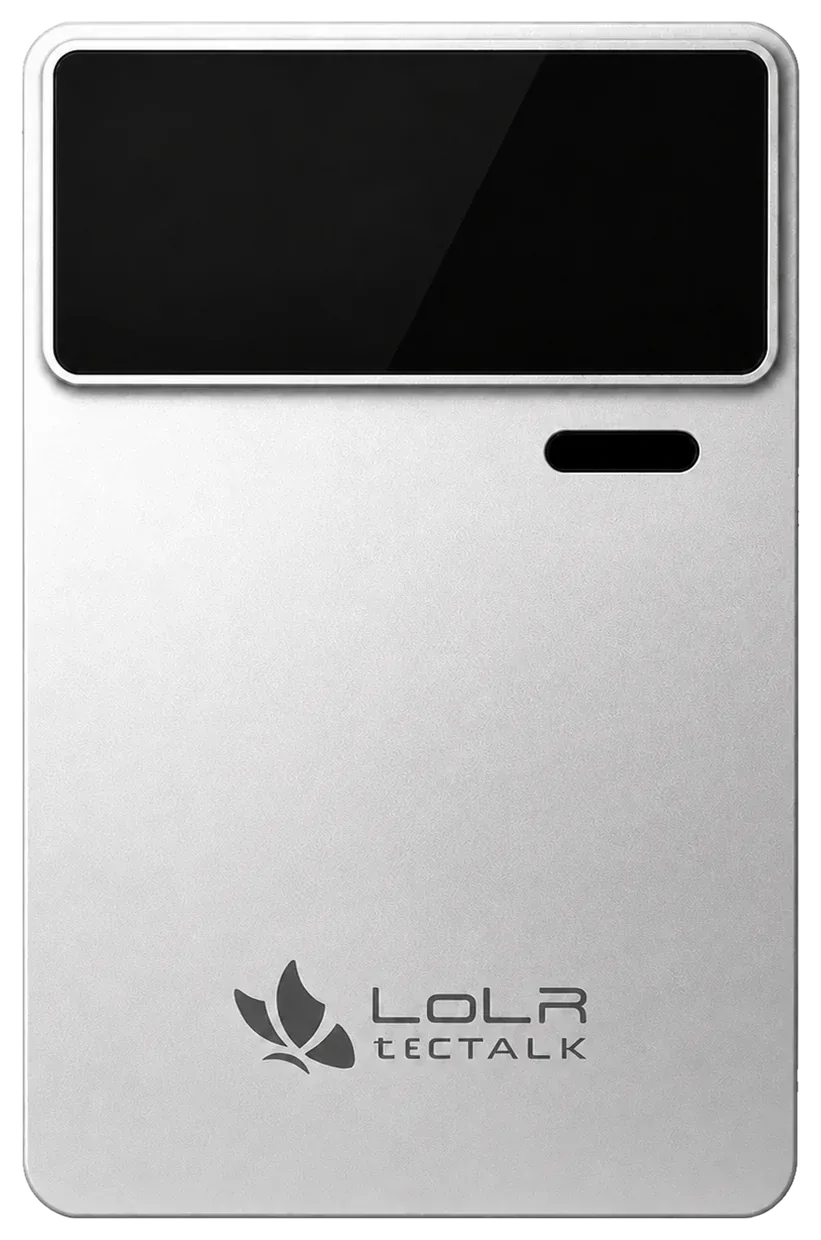
LoLR ticTALK in useLoLR ticTALK ↗
Mobile

Verify, then add to a project

Review key statements, add context, and confirm next steps in the APP.

Interview notes · Awaiting confirmation
Key factsVerify participants, timing, and business context
TasksAdd materials / Assign owners
Material scopeSelect a project and members with access
Continue after your confirmation →
Devices

Choose a processing space

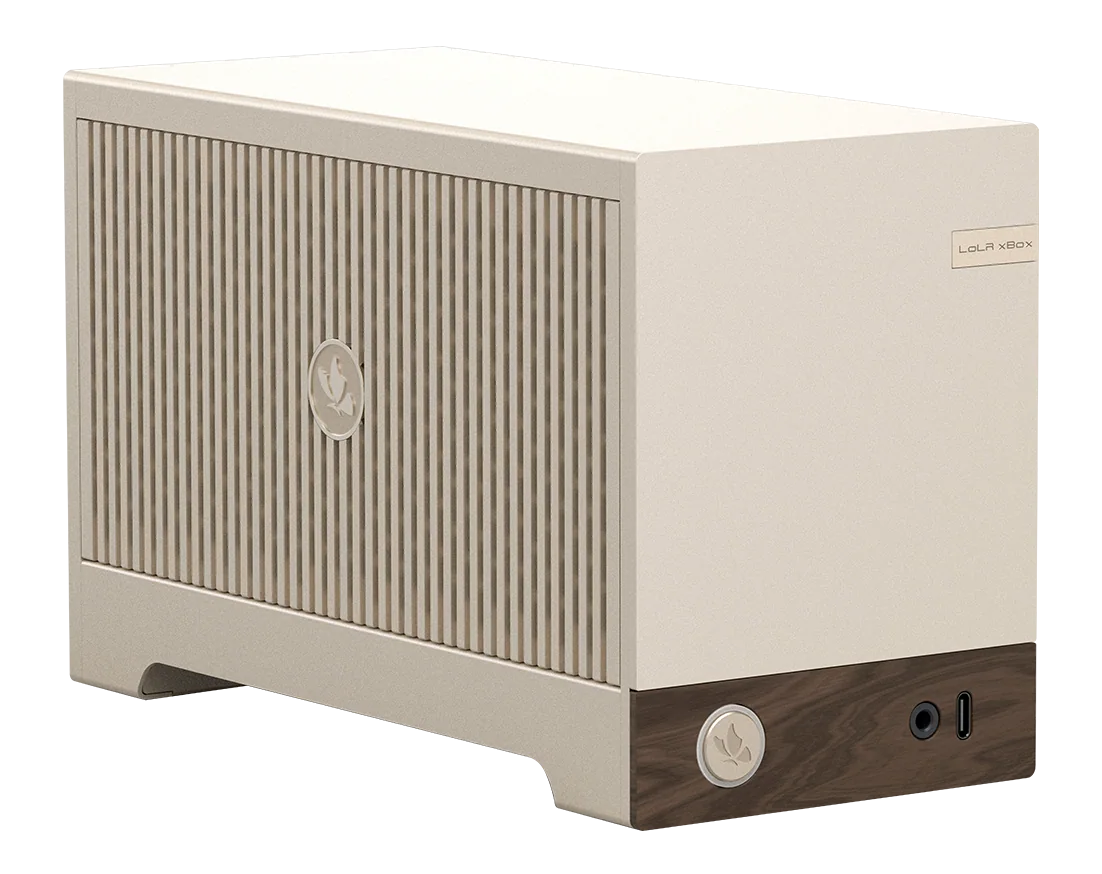
Select a LoLR BOX according to project permissions and track transcription, retrieval, or organization tasks.

LoLR BOX hardware for selecting a private processing spaceLoLR BOX ↗
Need further professional judgment?

Access services from your current task.

Review subscription benefits, add required materials, connect with Digital Experts, and track delivery.

Browse Butterfly Marketplace ↗

These are illustrative scenarios and interactions. Device connections, transcription, and services depend on the compatible environment and features actually available.

Multiple access points

Switch with the scenario,
continue the same task.

User interfaces and system integration endpoints connect tasks, permissions, devices, and services.

For people

APP · Mini Program · H5

The APP manages ongoing tasks and devices; Mini Programs provide lightweight service access; H5 lets you view content and handle tasks across devices.

For systems and developers

MCP / API · CLI

Authenticated, permission-controlled endpoints let business systems, agents, and engineering environments invoke capabilities and perform operations.


Shared task contextIdentity & PermissionsTask progressDevice ownershipService entitlements

Keep work moving from the field to the next step.

Plan the right access solution around user roles, device environments, and service needs.

Download APP